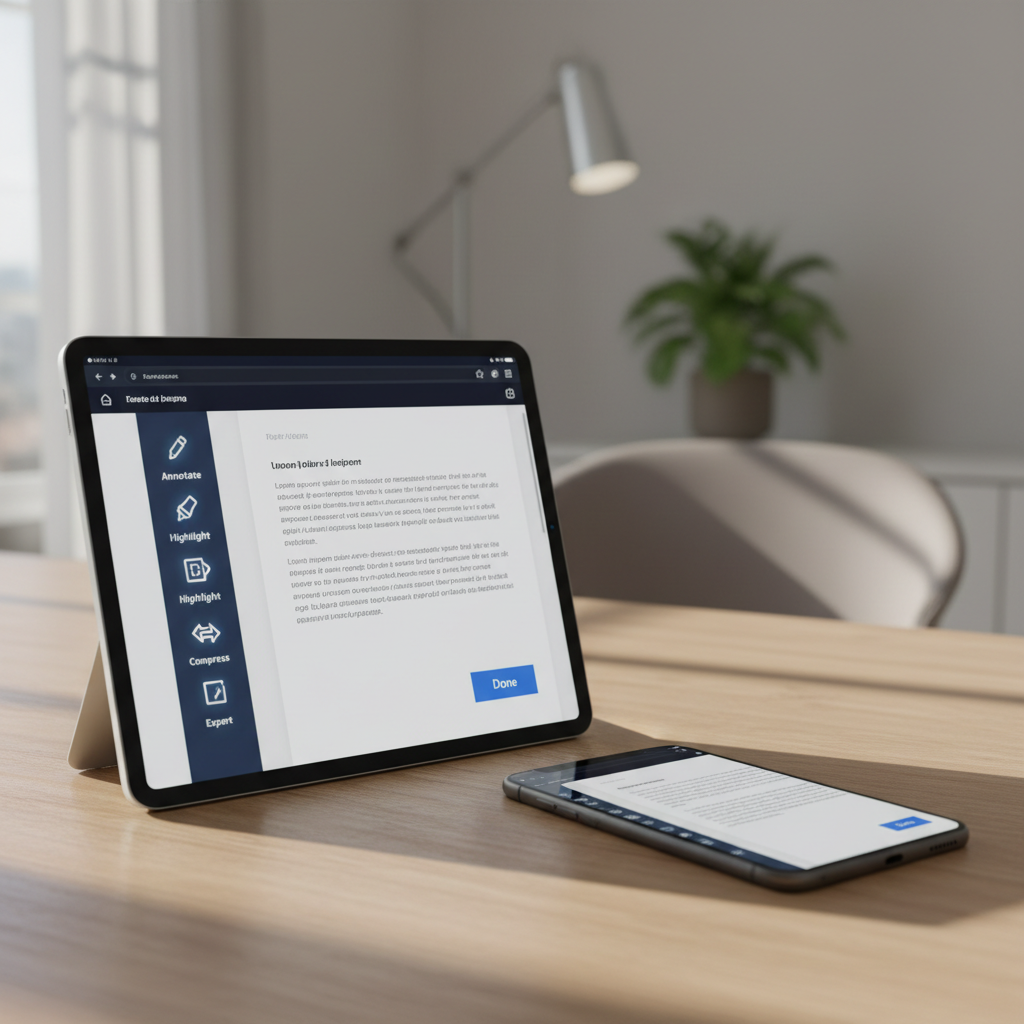
A close-up of a glossy tablet and a modern smartphone side by side on a light oak table, both screens showing the same PDF being edited in a browser-based tool. Visible interface elements include a toolbar with icons for annotate, highlight, compress, and export, plus a prominent “Done” button. The background fades into soft bokeh of a contemporary home office. Diffused afternoon light from the left casts subtle shadows and highlights the glass surfaces. Photographic realism with a shallow depth of field and rule-of-thirds composition, conveying seamless cross-device PDF editing that feels intuitive, secure, and ideal for both iPhone and desktop use.

All-in-one PDF workspace

Manage, convert, and organize your PDFs in seconds with our browser-based toolkit, designed to be fast, secure, and effortless on any device.

Tools
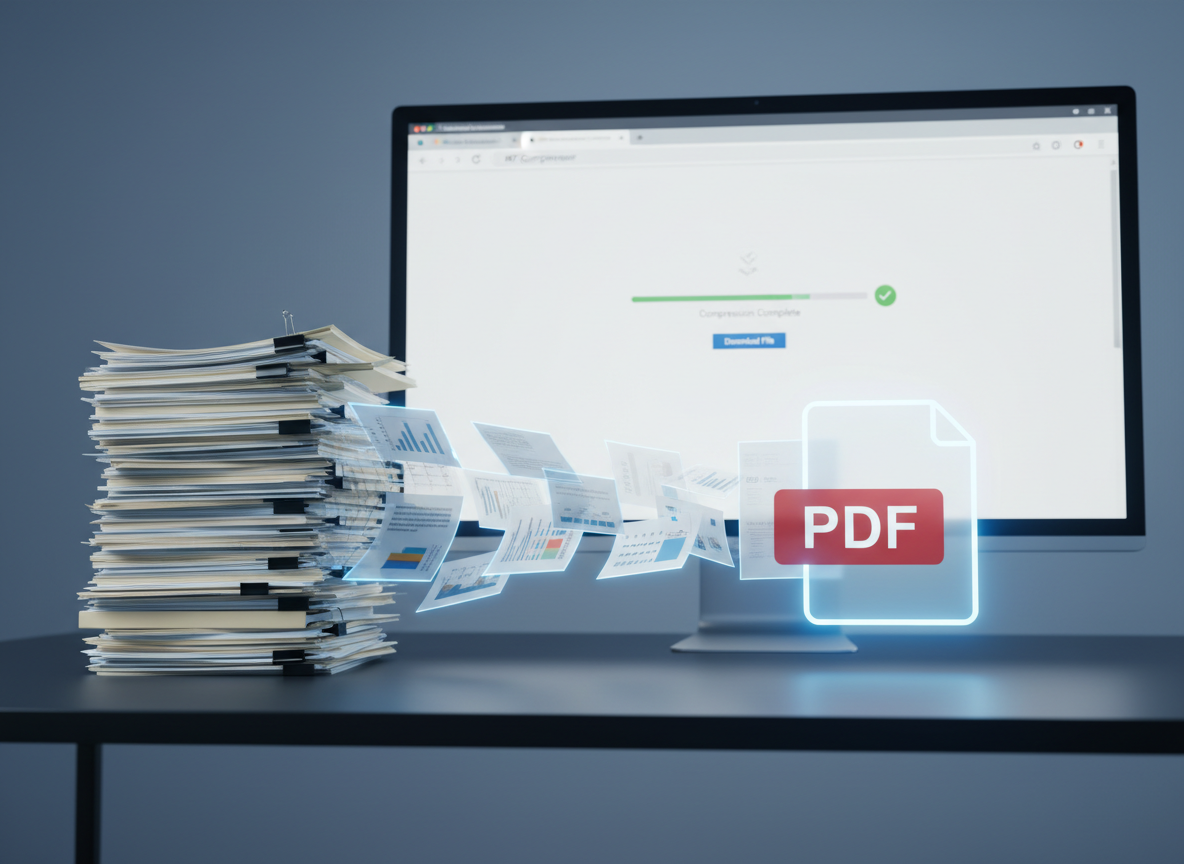
A stack of thick printed documents on the left transforming visually into a single neat, semi-transparent PDF icon on the right, hovering above a dark matte desk surface. Subtle motion blur suggests pages merging and compressing into one clean digital file. A large computer monitor in the background shows a browser window with a simplified progress bar and checkmark indicating successful PDF compression. Cool, even studio lighting creates crisp reflections yet keeps the mood clean and controlled. Photographic style with a slightly elevated angle and strong depth of field, emphasizing efficiency, space-saving digital management, and clutter-free organization of PDFs online.

Edit, merge, split, and sign PDFs directly in your browser, no installation required.
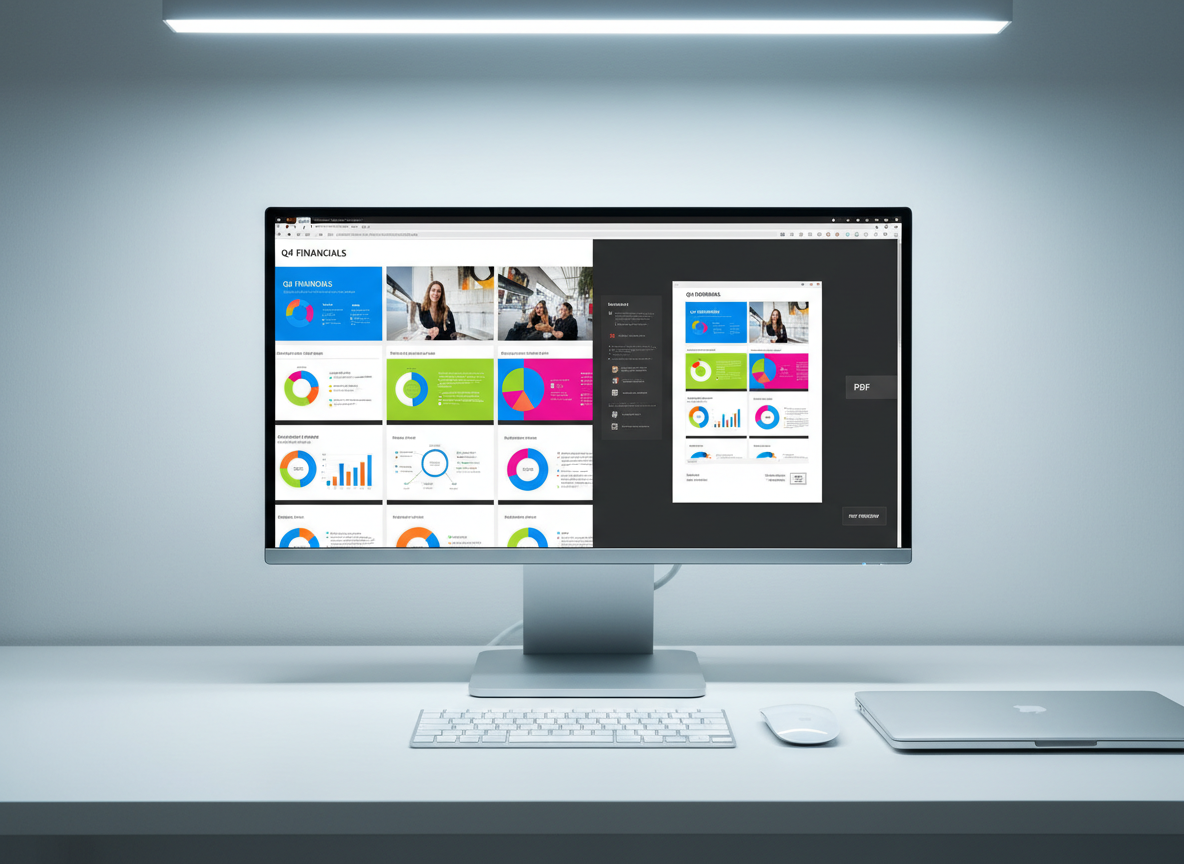
A high-resolution computer monitor on a minimalist white desk displaying a side-by-side view of a colorful PowerPoint slide deck converting into a polished PDF preview. On one side, slides with bright charts and images; on the other, a perfect PDF replica with crisp text and graphics. A compact keyboard and a wireless mouse sit neatly below, next to a slim, closed laptop. Soft, cool-toned office lighting from overhead and a faint glow from the screen gently illuminate the scene. Photographic realism with a centered composition and sharp focus, conveying precise, reliable PDF conversion from multiple formats in a professional, modern environment.

Convert PDFs to Word, Excel, images, and more while preserving original layout and quality.

Pricing

Free Plan

Free – unlimited access to all basic PDF tools

✓ Unlimited conversions

✓ Basic editing

✓ File compression

✓ PDF merging

Pro Plan

Pro $7.99/month – advanced features and priority processing

✓ Batch processing

✓ Priority support

✓ OCR scanning

✓ Cloud storage

Reviews

Aya Nakamura

These PDF tools save me hours every week; compressing, merging, and converting files is now a one-minute task on any device.

Mateo García

I love that everything runs in the browser, so I can manage PDFs securely from my phone without installing extra apps.

Get time-saving PDF tips by email

Visit us

Online service worldwide

Hours

Email support 24/7

Phone

+1-800-PDF-HELP