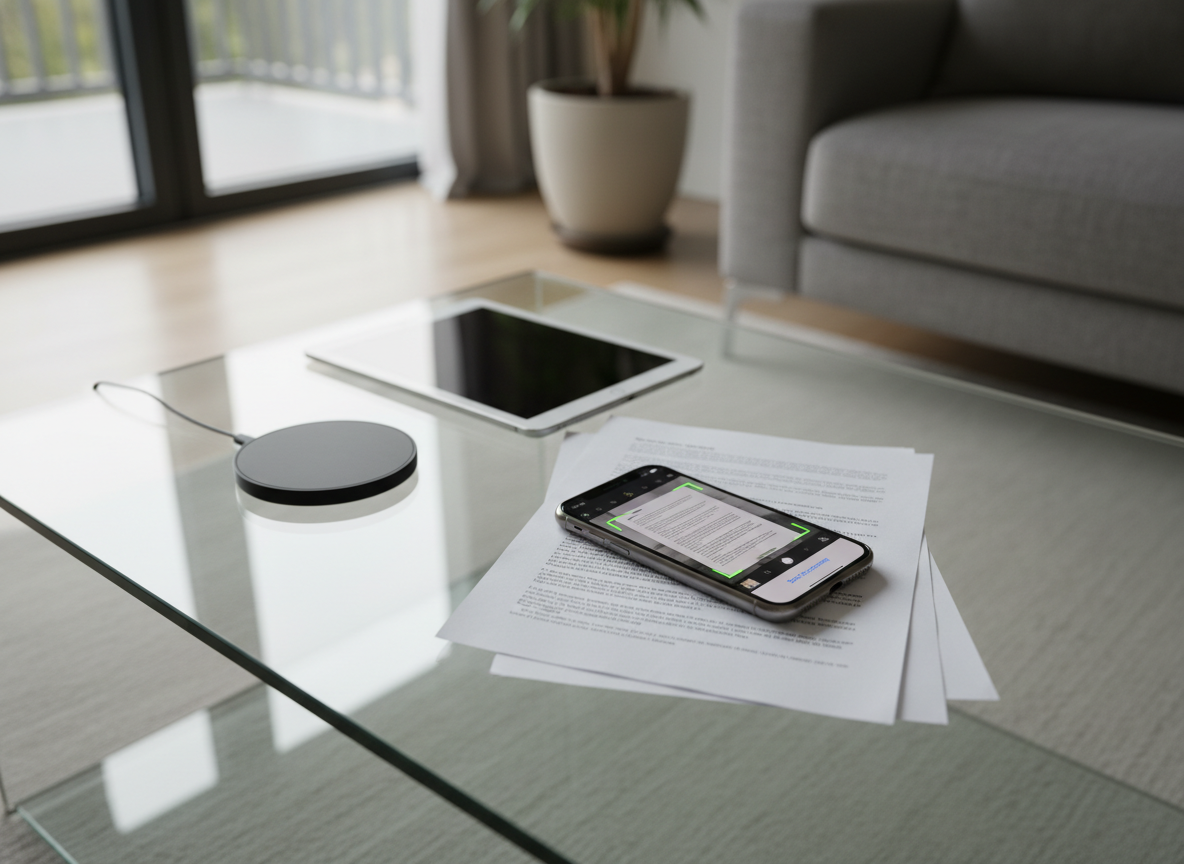
An elegant glass coffee table in a contemporary living room, with a graphite-colored iPhone resting on a thin stack of printed documents. The phone screen shows a PDF being scanned with a crisp, live camera preview and perfectly aligned page edges. Nearby, a minimalist wireless charger and a closed tablet sit on the reflective glass surface. Diffused afternoon light filters in from floor-to-ceiling windows, producing soft highlights on the metal phone edges and faint shadows beneath the documents. Captured in photographic realism from a slightly elevated overhead angle, the composition emphasizes the iPhone as the central tool for transforming paper into digital, with a calm, sophisticated, home-working mood.

PDFMaster App

Scan, edit, convert, and sign PDFs on iPhone with one powerful app built for mobile workflows.

About

Complete PDF Toolkit for iPhone

PDFMaster replaces separate scanner, editor, converter, and e‑signature apps with one streamlined experience. Capture documents, fix mistakes, rearrange pages, export to Office formats, and finalize signatures directly on your iPhone, even when you are away from your desk.
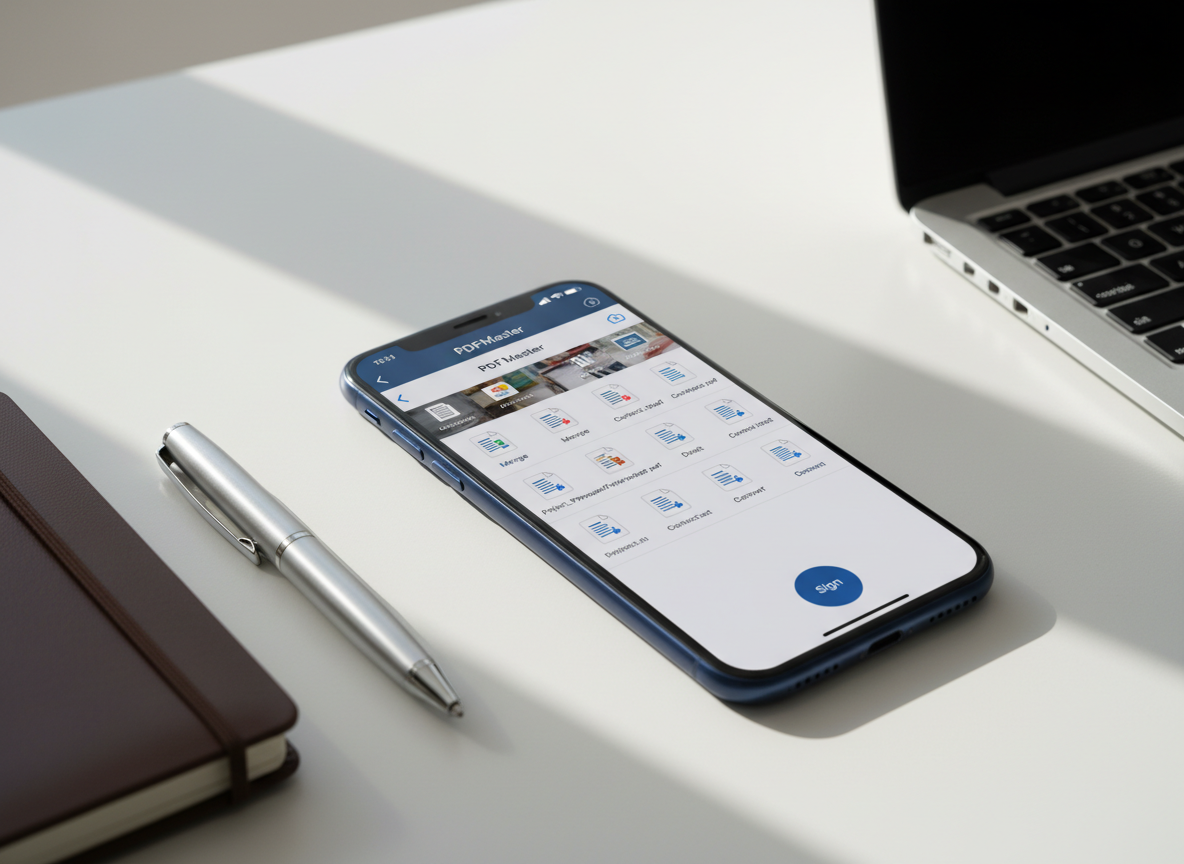
A sleek midnight-blue iPhone lying on a clean white desk, its screen displaying a sophisticated PDFMaster dashboard with neatly organized document thumbnails, editing tools, and a prominent “Sign” button. Around it, minimalistic stationery—an open metal pen, a slim leather notebook, and a silver laptop partially cropped—suggest a modern mobile workspace. Soft daylight from an unseen window creates gentle reflections on the phone’s glass and subtle shadows along the desk’s surface. Photographic realism with a clean, modern aesthetic, shot at a slightly elevated three-quarter angle with shallow depth of field, keeping the iPhone interface in razor-sharp focus while the surroundings blur into a calm, productivity-driven atmosphere.
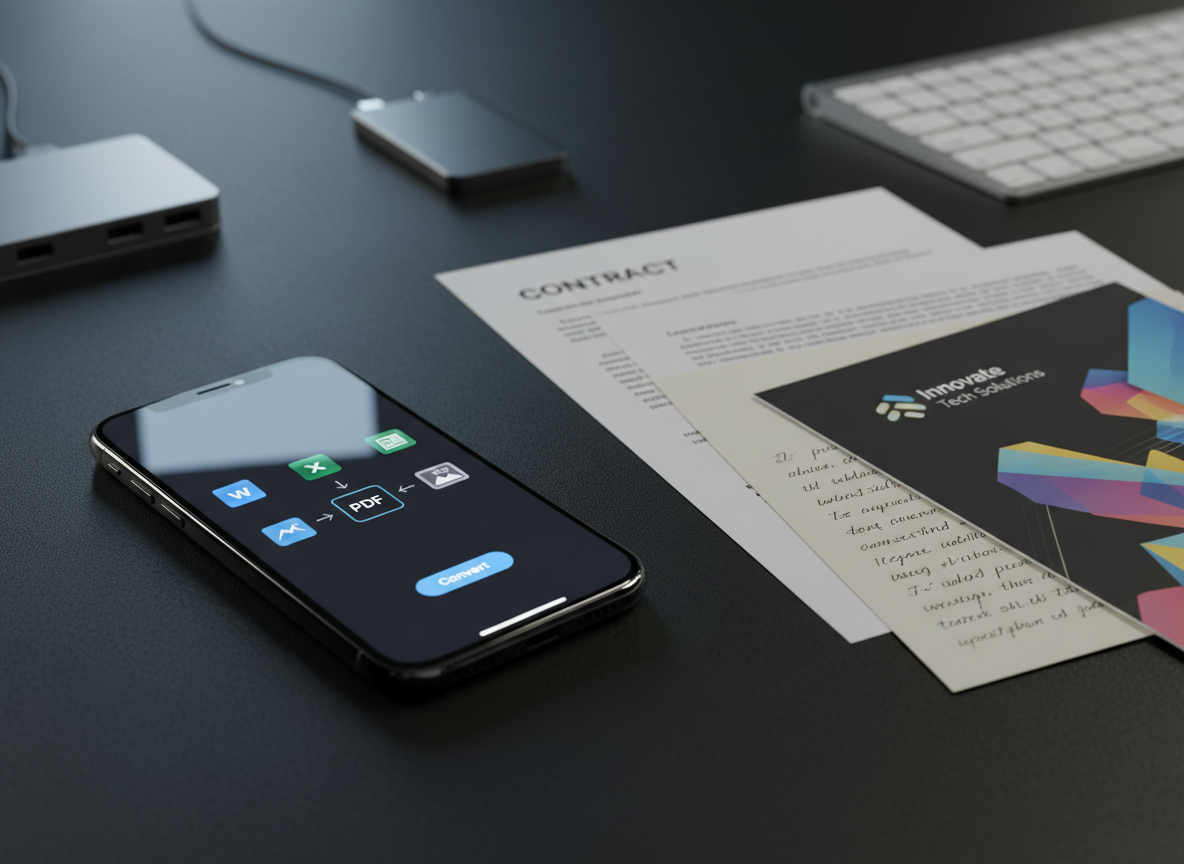
A close-up of a refined iPhone on a matte black workspace, its screen displaying a PDF conversion interface with clear icons for Word, Excel, and image formats. Next to it lies a neatly arranged trio of physical documents: a printed contract, a colorful brochure, and a handwritten note on cream paper, all slightly overlapping. A slim, brushed-aluminum keyboard and a minimalist USB-C hub are blurred in the background. Cool, focused desk lighting from the upper left creates crisp, directional highlights along the phone’s edges and gentle gradients across the paper textures. Photographic realism, shot at eye level with a shallow depth of field, conveying a precise, efficient, tech-savvy atmosphere.

Workflows

From scanning receipts to signing contracts, PDFMaster guides you through each step: capture, clean, combine, edit, convert, and securely share PDFs without ever leaving your iPhone.

Testimonials

An elegant glass coffee table in a contemporary living room, with a graphite-colored iPhone resting on a thin stack of printed documents. The phone screen shows a PDF being scanned with a crisp, live camera preview and perfectly aligned page edges. Nearby, a minimalist wireless charger and a closed tablet sit on the reflective glass surface. Diffused afternoon light filters in from floor-to-ceiling windows, producing soft highlights on the metal phone edges and faint shadows beneath the documents. Captured in photographic realism from a slightly elevated overhead angle, the composition emphasizes the iPhone as the central tool for transforming paper into digital, with a calm, sophisticated, home-working mood.

Hope D.

PDFMaster turned my iPhone into a portable office; scanning, merging, and signing PDFs now take seconds instead of juggling four separate apps.

A sleek midnight-blue iPhone lying on a clean white desk, its screen displaying a sophisticated PDFMaster dashboard with neatly organized document thumbnails, editing tools, and a prominent “Sign” button. Around it, minimalistic stationery—an open metal pen, a slim leather notebook, and a silver laptop partially cropped—suggest a modern mobile workspace. Soft daylight from an unseen window creates gentle reflections on the phone’s glass and subtle shadows along the desk’s surface. Photographic realism with a clean, modern aesthetic, shot at a slightly elevated three-quarter angle with shallow depth of field, keeping the iPhone interface in razor-sharp focus while the surroundings blur into a calm, productivity-driven atmosphere.

Hope D.

The interface is clean and obvious; even my less techy teammates edit text, highlight contracts, and add comments without asking for help.

A close-up of a refined iPhone on a matte black workspace, its screen displaying a PDF conversion interface with clear icons for Word, Excel, and image formats. Next to it lies a neatly arranged trio of physical documents: a printed contract, a colorful brochure, and a handwritten note on cream paper, all slightly overlapping. A slim, brushed-aluminum keyboard and a minimalist USB-C hub are blurred in the background. Cool, focused desk lighting from the upper left creates crisp, directional highlights along the phone’s edges and gentle gradients across the paper textures. Photographic realism, shot at eye level with a shallow depth of field, conveying a precise, efficient, tech-savvy atmosphere.

Hope D.

I stopped emailing myself files; PDFMaster syncs through iCloud and makes switching between iPhone and Mac completely effortless.

An elegant glass coffee table in a contemporary living room, with a graphite-colored iPhone resting on a thin stack of printed documents. The phone screen shows a PDF being scanned with a crisp, live camera preview and perfectly aligned page edges. Nearby, a minimalist wireless charger and a closed tablet sit on the reflective glass surface. Diffused afternoon light filters in from floor-to-ceiling windows, producing soft highlights on the metal phone edges and faint shadows beneath the documents. Captured in photographic realism from a slightly elevated overhead angle, the composition emphasizes the iPhone as the central tool for transforming paper into digital, with a calm, sophisticated, home-working mood.

Hope D.

As a freelancer, signing NDAs and invoices on my phone with reusable signatures is faster than printing anything ever was.