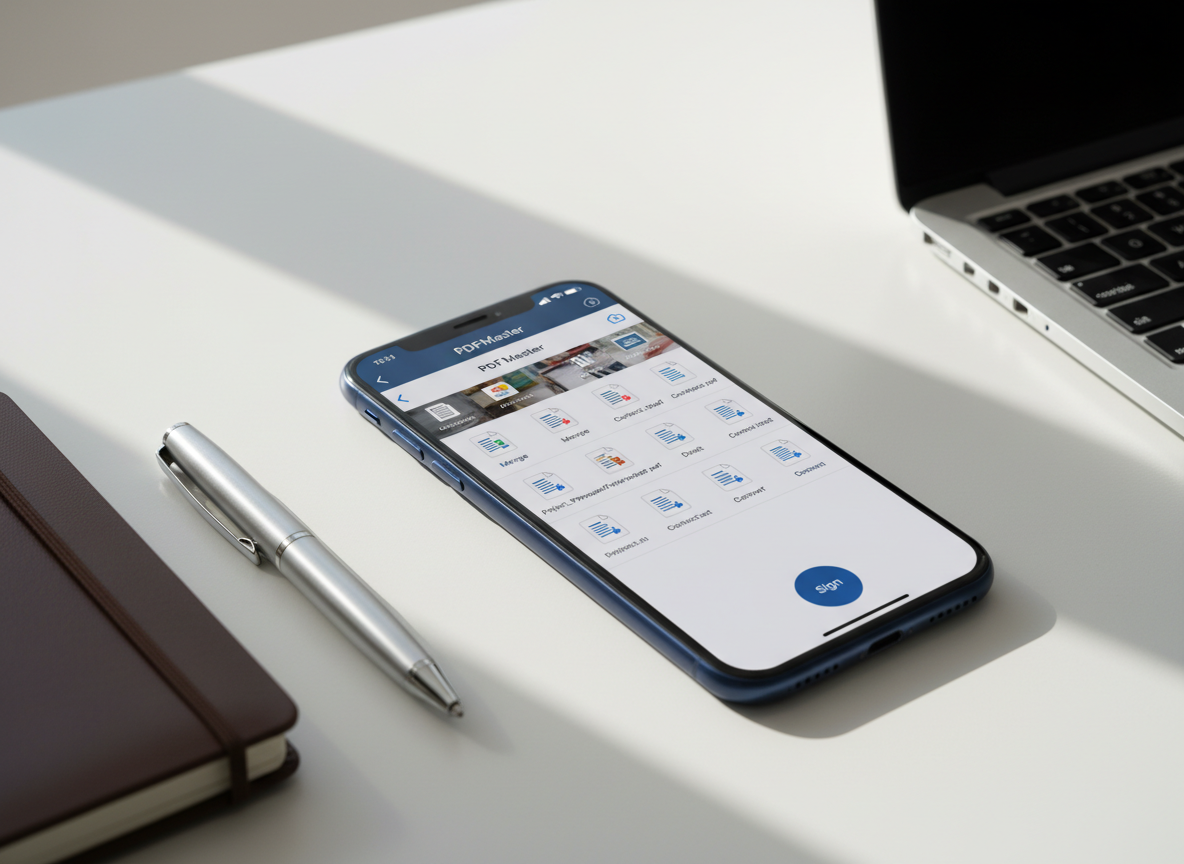
A sleek midnight-blue iPhone lying on a clean white desk, its screen displaying a sophisticated PDFMaster dashboard with neatly organized document thumbnails, editing tools, and a prominent “Sign” button. Around it, minimalistic stationery—an open metal pen, a slim leather notebook, and a silver laptop partially cropped—suggest a modern mobile workspace. Soft daylight from an unseen window creates gentle reflections on the phone’s glass and subtle shadows along the desk’s surface. Photographic realism with a clean, modern aesthetic, shot at a slightly elevated three-quarter angle with shallow depth of field, keeping the iPhone interface in razor-sharp focus while the surroundings blur into a calm, productivity-driven atmosphere.

Choose plan

Compare simple plans designed for everyday PDF scanning, editing, and signing right on iPhone.

Pricing

Free

Free Plan – Perfect for light, occasional use. Scan up to 5 documents a month, merge and reorder pages, add basic annotations, and export watermarked PDFs. Sync across one iPhone and securely store recent files in the app for quick access on the go.

Scan, view, share

Pro

Pro Plan – Best for students and busy professionals who work with PDFs every day. Enjoy unlimited scanning in HD, text recognition (OCR) for searchable PDFs, page editing, text and image markup, password protection, and conversion to Word, Excel, PowerPoint, and image formats. Includes cloud backup and sync across multiple iOS devices.

OCR signing

Business

Business Plan – Built for teams who need secure, streamlined document workflows. Everything in Pro plus shared folders, team templates, bulk export, advanced e‑sign tools with reusable signing fields, priority support, and centralized billing. Ideal for remote teams, field staff, and small offices managing contracts and forms from iPhone.

Team workspaces

Your pocket PDF productivity toolbox

Start free on iPhone with core PDF tools, then unlock advanced editing, OCR, and teamwork anytime from our flexible Pricing page.
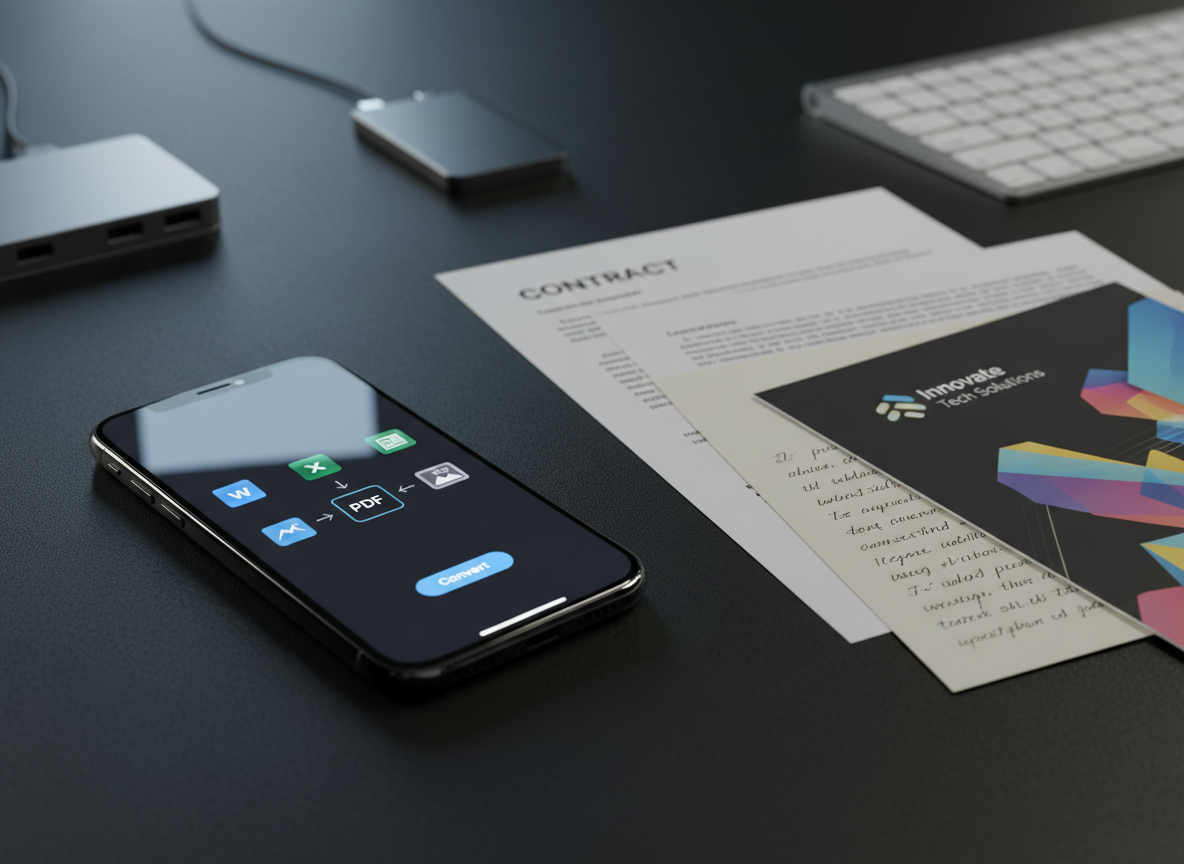
A close-up of a refined iPhone on a matte black workspace, its screen displaying a PDF conversion interface with clear icons for Word, Excel, and image formats. Next to it lies a neatly arranged trio of physical documents: a printed contract, a colorful brochure, and a handwritten note on cream paper, all slightly overlapping. A slim, brushed-aluminum keyboard and a minimalist USB-C hub are blurred in the background. Cool, focused desk lighting from the upper left creates crisp, directional highlights along the phone’s edges and gentle gradients across the paper textures. Photographic realism, shot at eye level with a shallow depth of field, conveying a precise, efficient, tech-savvy atmosphere.
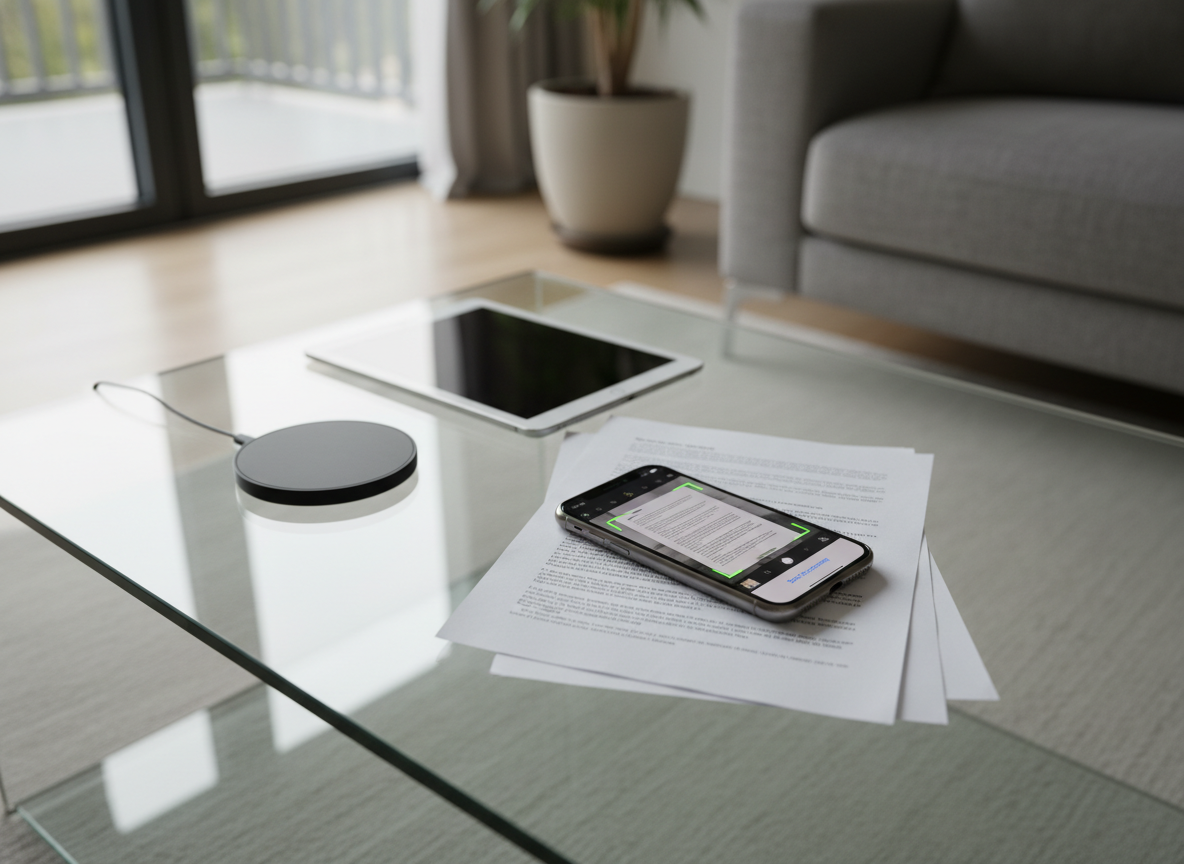
An elegant glass coffee table in a contemporary living room, with a graphite-colored iPhone resting on a thin stack of printed documents. The phone screen shows a PDF being scanned with a crisp, live camera preview and perfectly aligned page edges. Nearby, a minimalist wireless charger and a closed tablet sit on the reflective glass surface. Diffused afternoon light filters in from floor-to-ceiling windows, producing soft highlights on the metal phone edges and faint shadows beneath the documents. Captured in photographic realism from a slightly elevated overhead angle, the composition emphasizes the iPhone as the central tool for transforming paper into digital, with a calm, sophisticated, home-working mood.
A sleek midnight-blue iPhone lying on a clean white desk, its screen displaying a sophisticated PDFMaster dashboard with neatly organized document thumbnails, editing tools, and a prominent “Sign” button. Around it, minimalistic stationery—an open metal pen, a slim leather notebook, and a silver laptop partially cropped—suggest a modern mobile workspace. Soft daylight from an unseen window creates gentle reflections on the phone’s glass and subtle shadows along the desk’s surface. Photographic realism with a clean, modern aesthetic, shot at a slightly elevated three-quarter angle with shallow depth of field, keeping the iPhone interface in razor-sharp focus while the surroundings blur into a calm, productivity-driven atmosphere.