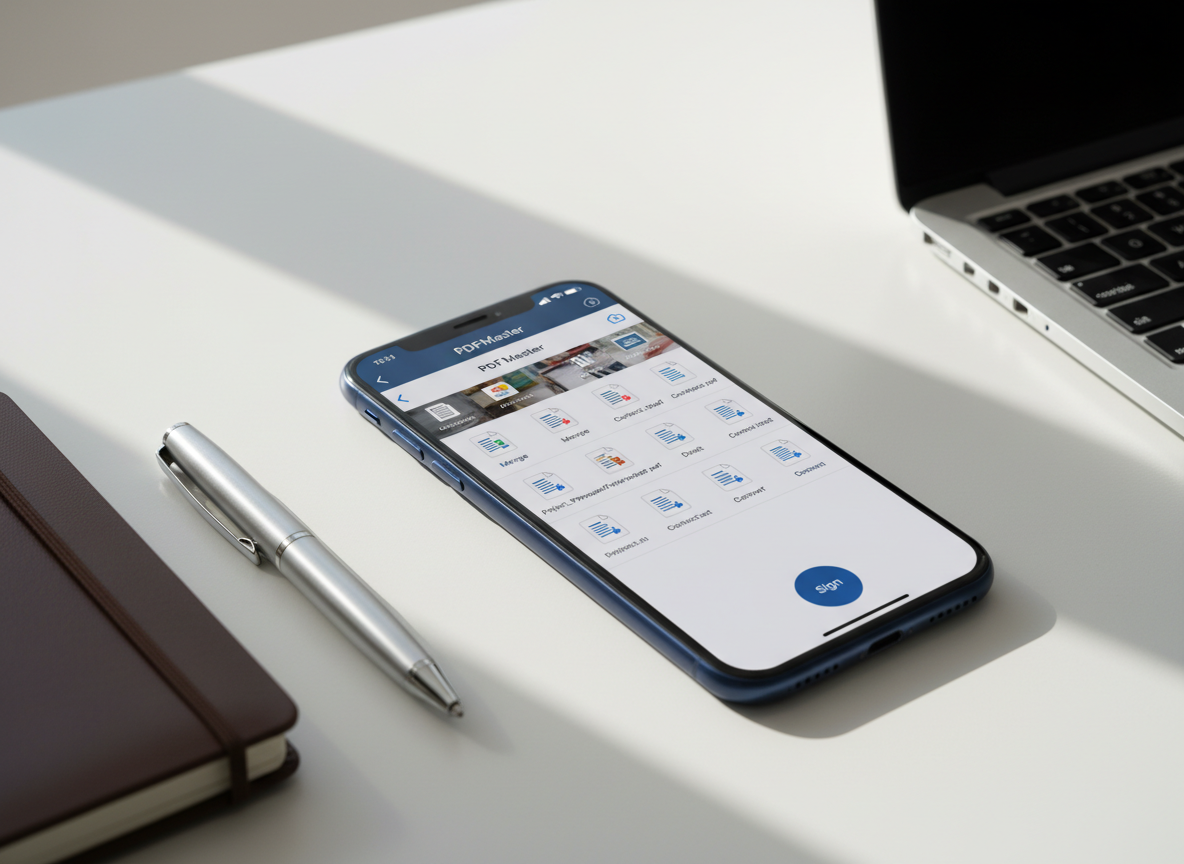
A sleek midnight-blue iPhone lying on a clean white desk, its screen displaying a sophisticated PDFMaster dashboard with neatly organized document thumbnails, editing tools, and a prominent “Sign” button. Around it, minimalistic stationery—an open metal pen, a slim leather notebook, and a silver laptop partially cropped—suggest a modern mobile workspace. Soft daylight from an unseen window creates gentle reflections on the phone’s glass and subtle shadows along the desk’s surface. Photographic realism with a clean, modern aesthetic, shot at a slightly elevated three-quarter angle with shallow depth of field, keeping the iPhone interface in razor-sharp focus while the surroundings blur into a calm, productivity-driven atmosphere.

Support Center

Find quick answers and get the most from our iPhone PDF tools in a few minutes.

Help

Start using PDFMaster on iPhone with step‑by‑step tips, video walkthroughs, and answers to common PDF tool questions.
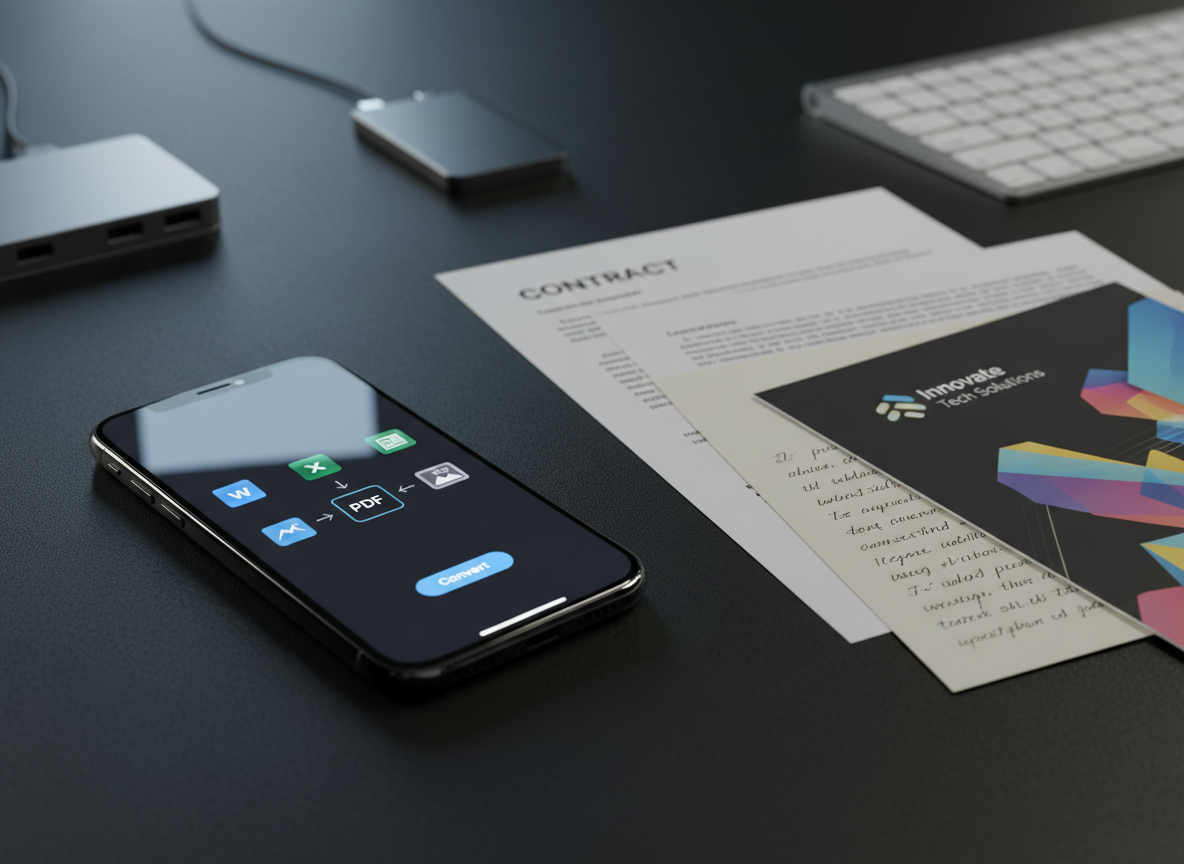
A close-up of a refined iPhone on a matte black workspace, its screen displaying a PDF conversion interface with clear icons for Word, Excel, and image formats. Next to it lies a neatly arranged trio of physical documents: a printed contract, a colorful brochure, and a handwritten note on cream paper, all slightly overlapping. A slim, brushed-aluminum keyboard and a minimalist USB-C hub are blurred in the background. Cool, focused desk lighting from the upper left creates crisp, directional highlights along the phone’s edges and gentle gradients across the paper textures. Photographic realism, shot at eye level with a shallow depth of field, conveying a precise, efficient, tech-savvy atmosphere.

Contact Support

Tell us about issues, feature requests, or billing questions so we can quickly improve your PDFMaster experience.

← Back

Thank you for your response. ✨