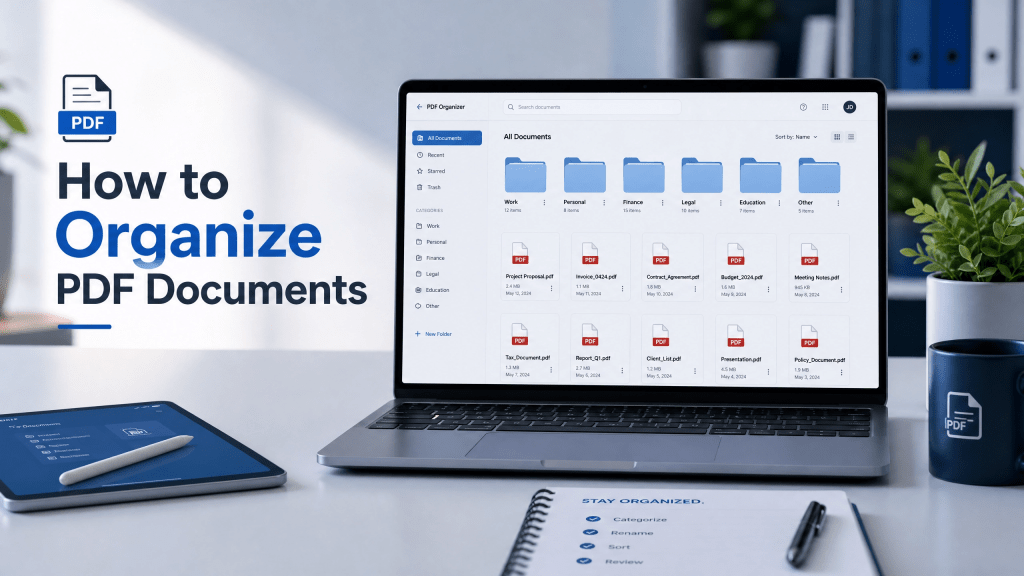
In today’s digital world, PDF documents are everywhere. From work reports and invoices to study materials and personal files, PDFs have become the standard format for sharing and storing information. However, as the number of files increases, many people struggle with one common problem—disorganization.
If your folders are messy or you can’t quickly find important documents, it’s time to build a proper system to organize PDF files efficiently.
In this guide, you’ll learn practical methods to organize PDFs, improve productivity, and keep your digital workspace clean and structured.
Step 1: Create a Clear Folder Structure
The foundation of good PDF organization is a structured folder system.
You can start with simple categories like:
- Work
- Personal
- Finance
- Education
- Projects
Inside each folder, create subfolders such as:
- By year (2025, 2026)
- By month
- By client or subject
This makes it much easier to locate files later.
Step 2: Use Consistent File Naming
File names are just as important as folders.
Instead of using random names like:
- scan001.pdf
- document2.pdf
Use structured names like:
- Invoice_Apple_Jan2026.pdf
- Meeting_Notes_ProjectX.pdf
A consistent naming system improves searchability and reduces confusion.
Step 3: Digitize Paper Documents
Many people still rely on paper documents, which are harder to manage.
The best solution is to scan them into PDF format.
You can use mobile apps or scanners to convert physical papers into digital files. Once digitized, they become easier to store, search, and organize.
If you are looking for a simple scanning solution, tools like http://scannovapdf.com help convert paper documents into clean digital PDFs quickly.
Step 4: Use Tags and Labels
Some devices and apps allow tagging PDFs with keywords.
For example:
- “Urgent”
- “Tax”
- “Client A”
- “Archived”
Tags help you quickly filter files without opening folders.
Step 5: Sync Files Across Devices
One major challenge in PDF organization is keeping files consistent across multiple devices.
You might work on:
- Phone
- Tablet
- Laptop
Without syncing, files can become scattered and outdated.
To solve this, cloud syncing is essential. This guide on how to sync PDF files across devices explains how to keep your PDFs updated across all devices automatically.
Step 6: Delete Unnecessary Files
Over time, your storage fills with outdated or duplicate PDFs.
Regular cleanup helps you:
- Free up storage space
- Reduce clutter
- Improve file search speed
Ask yourself:
- Do I still need this file?
- Is this version outdated?
- Is there a duplicate?
If not needed, delete or archive it.
Step 7: Backup Your PDF Files
Backing up files is essential for long-term safety.
You can use:
- Google Drive
- iCloud
- Dropbox
- External hard drives
A good backup system protects your files from accidental loss.
Step 8: Convert PDFs When Needed
Sometimes organizing PDFs also involves converting them into other formats like Word or Excel.
This is useful for:
- Editing documents
- Extracting data
- Creating reports
However, always keep a master PDF copy for reference.
Why Organizing PDF Files Matters
When PDF files are not organized properly, it leads to:
- Wasted time searching for documents
- Duplicate or lost files
- Confusion in workflows
- Reduced productivity
- Poor file management habits
A well-organized PDF system helps you stay efficient, especially if you deal with documents daily for work or study.
Common Mistakes in PDF Organization
Many users make mistakes that lead to disorganized files.
No Folder Structure
Everything is saved in one place.
Random File Names
Files become impossible to identify.
No Backup System
Important documents are easily lost.
Ignoring Updates
Old versions remain mixed with new ones.
Some apps look good, but once you use them, you realize they’re not that reliable.
That’s why a simple and consistent system is more important than complex tools.
Benefits of Organizing PDF Files
A well-structured PDF system offers many advantages:
- Faster document retrieval
- Improved productivity
- Better collaboration
- Reduced stress
- Cleaner digital workspace
Once organized properly, managing PDFs becomes effortless.
Advanced Tip: Use Smart Tools
Modern tools can help automate PDF organization.
Features may include:
- Auto-sorting files
- Cloud syncing
- Smart search
- Document categorization
These tools reduce manual effort and improve efficiency.
Why Simplicity Works Best
When it comes to file management, simple systems are often the most effective.
A basic structure with clear naming and consistent storage habits is usually enough for most users.
Complex systems often fail because they are difficult to maintain.
Final Thoughts
Learning how to organize PDF documents is an essential digital skill in today’s fast-paced environment. Whether you are managing work files, study materials, or personal documents, a clean and structured system saves time and reduces frustration.
By using clear folder structures, consistent naming, and reliable syncing methods, you can easily organize pdf files and maintain long-term efficiency.
To make your workflow even smoother, you can also try this app for better document management: PDF Organizer App.


Leave a comment